
Maya at Lantern Street Books recommends
Piranesi
Susanna Clarke
A house of endless halls and tides. Strange, gentle, and over too soon.
Scan to save this book to your own reading list.
 web.bookpocket.app/lists/BgZDGvzTrc
For bookshops
Make a list of books on any theme, with a note on why you picked each one. Print it as shelf talkers and a poster, or post it as an image. Customers scan the code, save the books to their own reading list, and BookPocket remembers your shop recommended them.
Free for bookshops.
A phone showing a bookshop’s list of staff picks, each book with a button to add it to your own reading list, and in front of it a printed shelf talker with a staff member’s note and a QR code that opens the list.
Pick a theme, add the books, and write a line on each in your own words. Colleagues add their own picks, and each one carries their name and face.
Print a poster and shelf talkers, six to a page, each with a QR code to the list. Or download a square image for a post and a tall one for a story.
See how many readers saved books from each list, and once enough have, how many finished one and what they thought. Counts only, never names.
Each bookseller uses BookPocket with their own account, so every pick carries the name and face of the person who chose it. Here’s how a shop gets its staff on board.
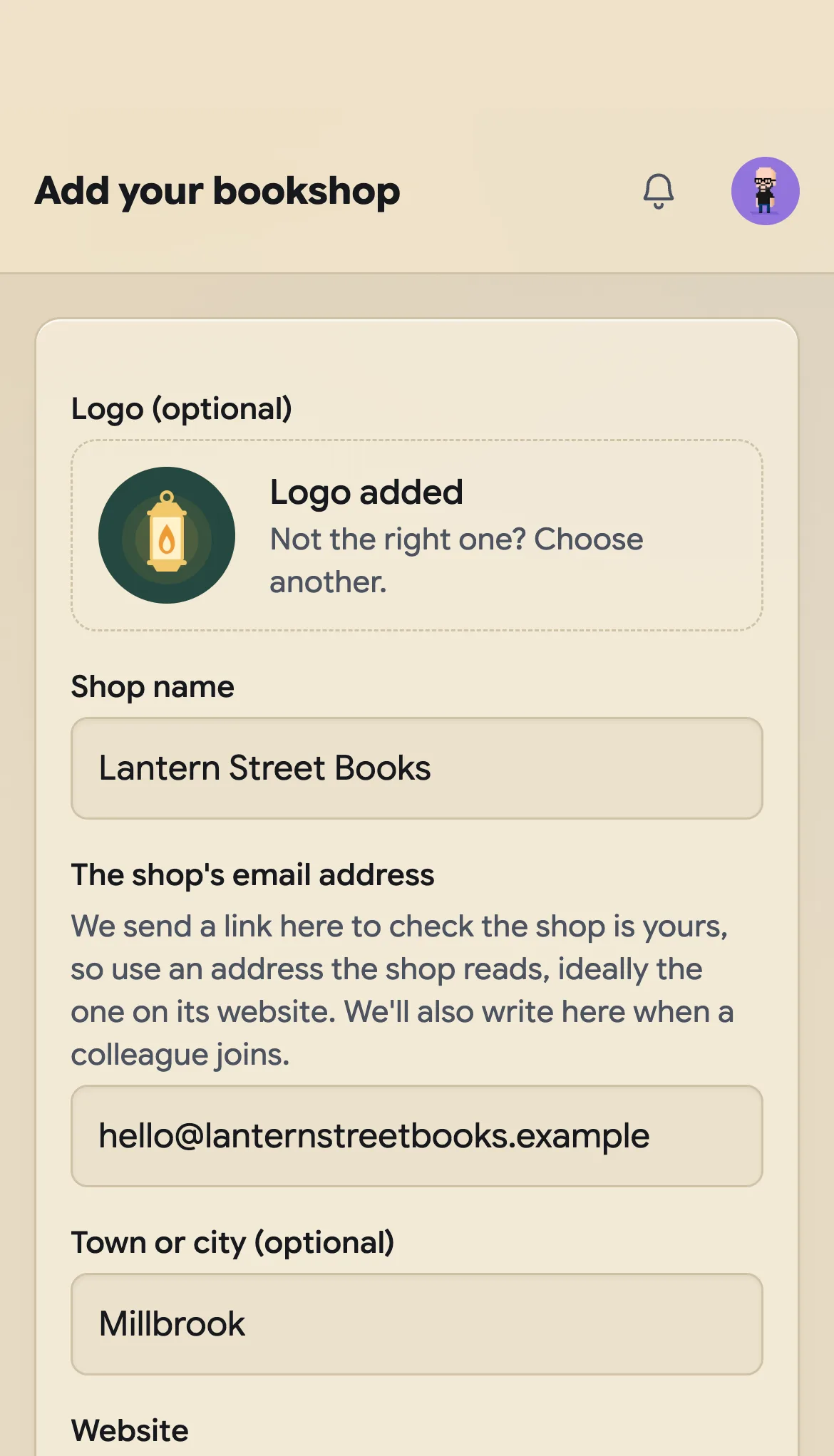
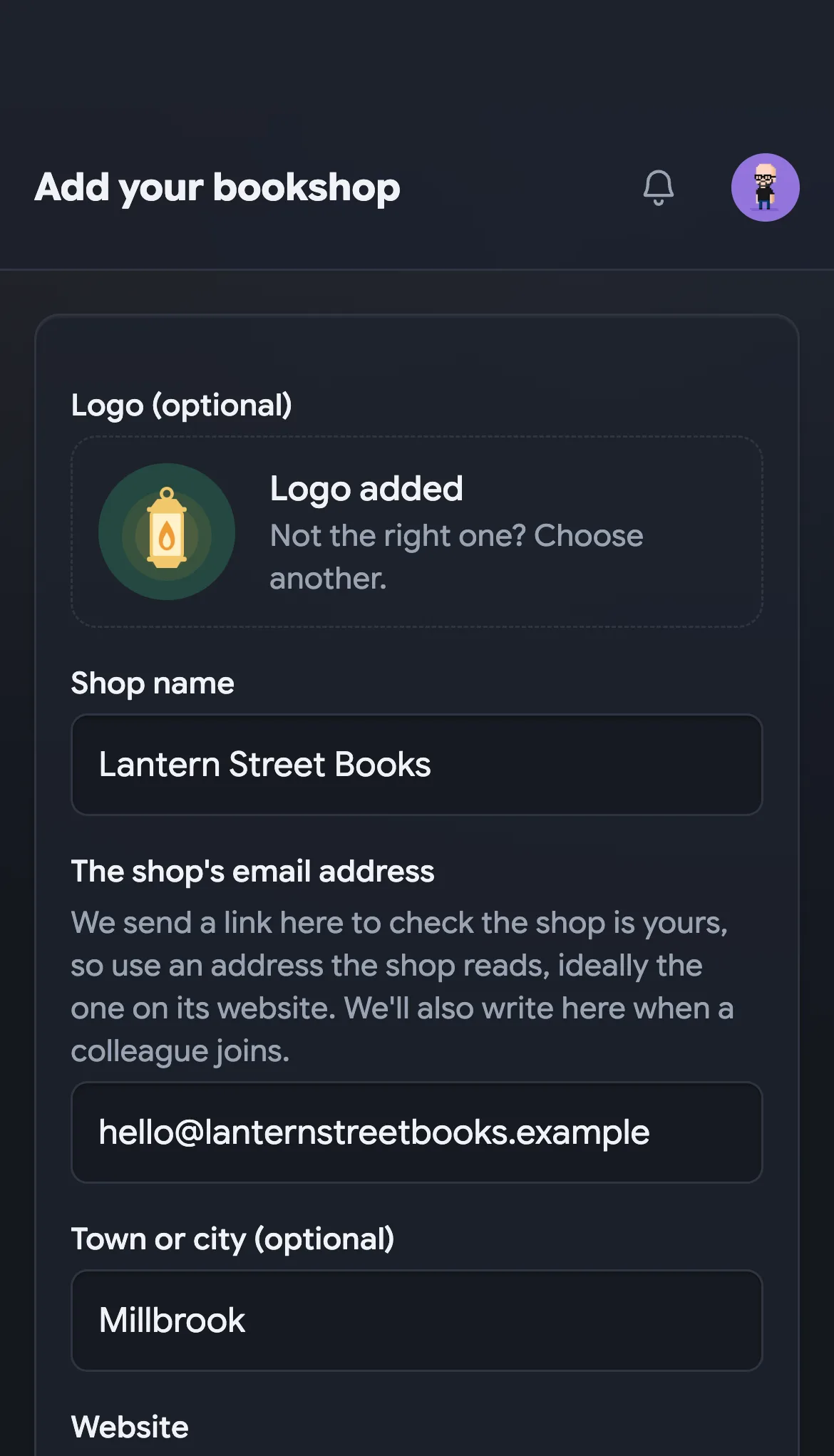
One of you sends the shop’s name, its email address, and its website or Instagram page. We email a link to the shop’s address to check the shop is yours, then let you know when its page is public, usually within a couple of days.
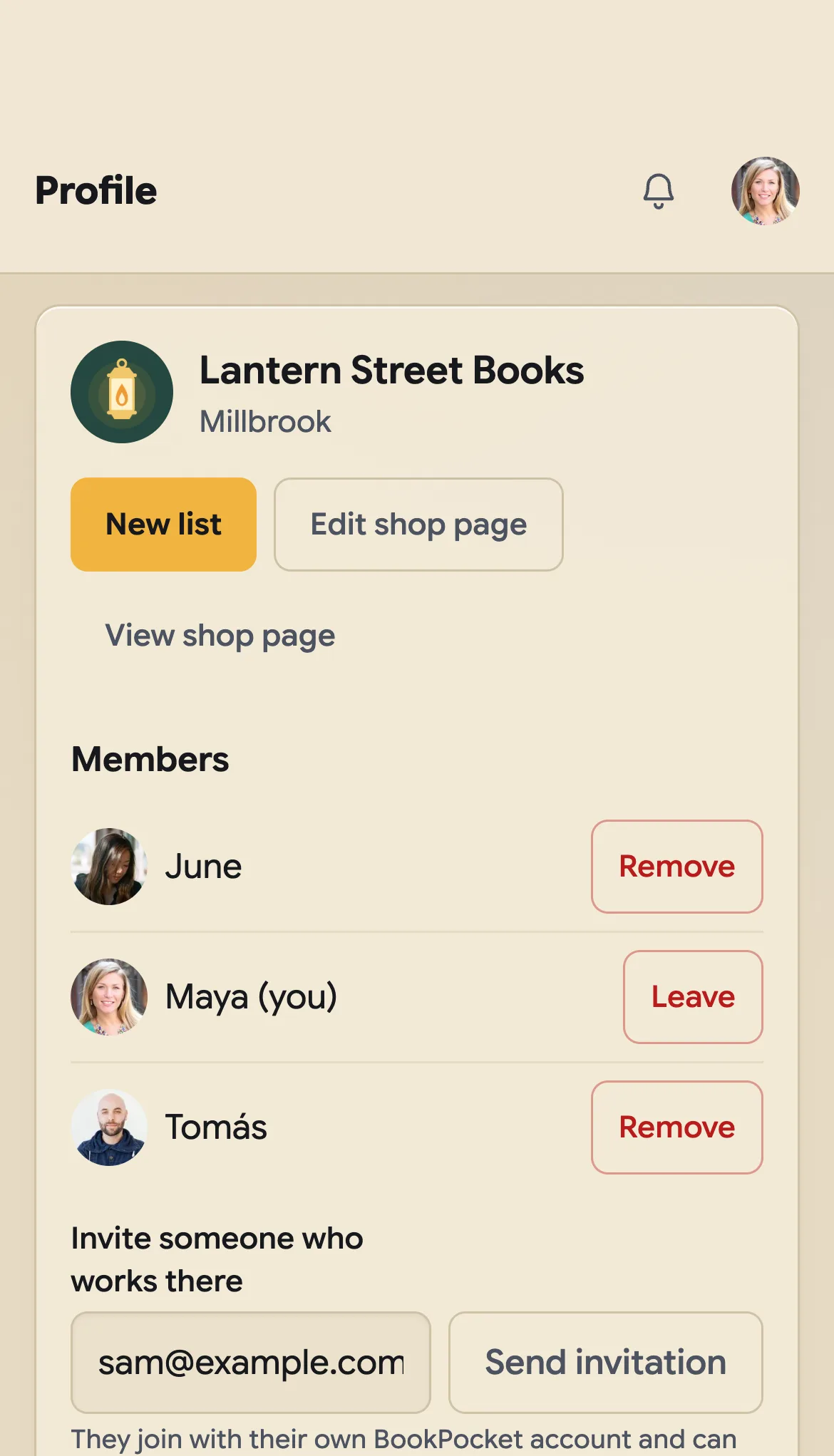
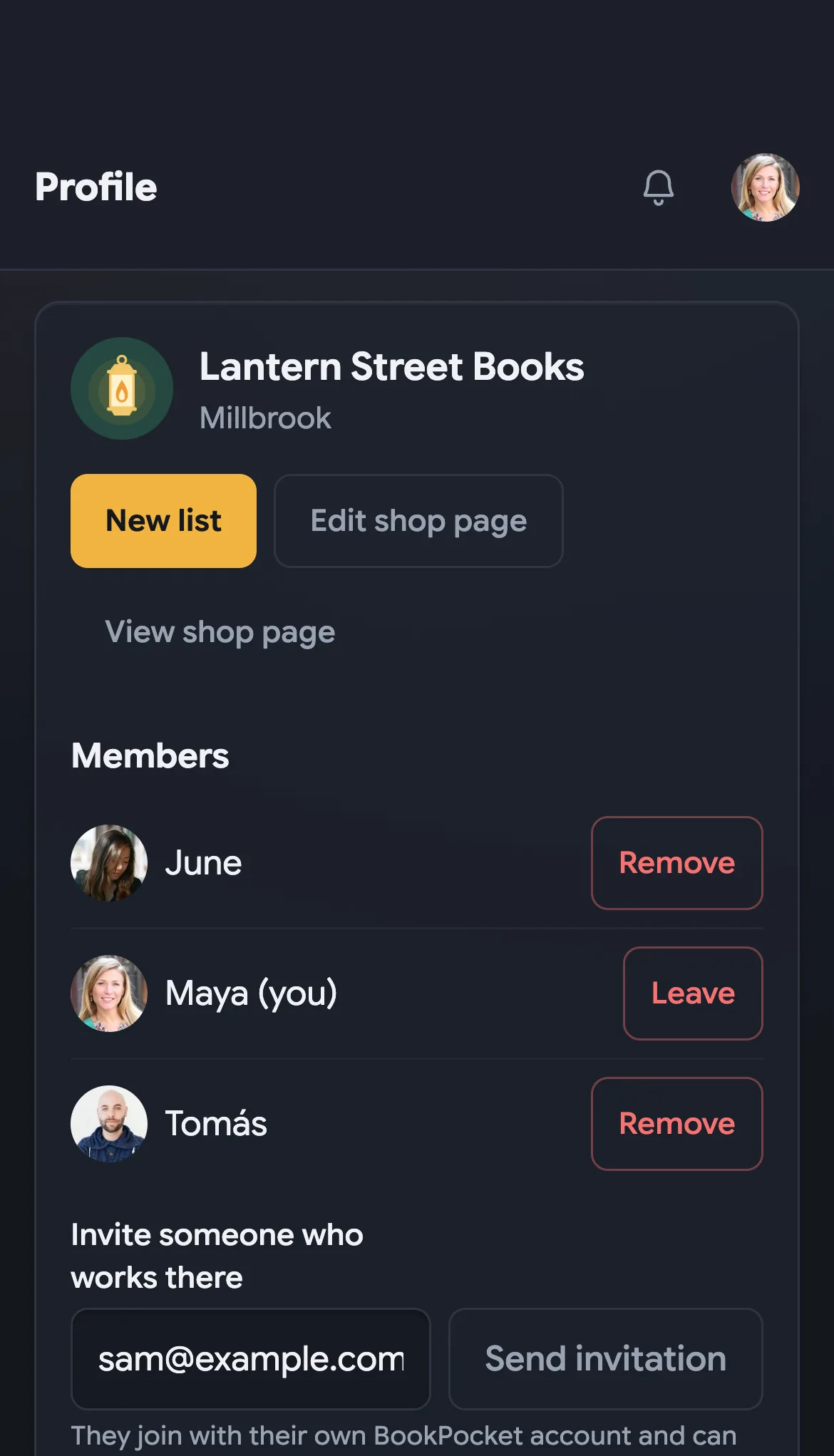
On the Bookshop tab of your profile, type a colleague’s email address and send an invitation. The link works only for the BookPocket account with that address, so a forwarded email adds nobody.
Your colleague signs in, or makes a free account with that address, and presses Join. Now they can write and edit the shop’s lists, and their own books stay their own.
Your shop’s email hears whenever someone joins. Everyone on the shop sees who else is on it, and can remove someone who has left. The shop’s lists stay with the shop.
Your lists reach readers on BookPocket as well as the ones who scan your shelf talkers.
Home shows the newest lists from bookshops under Bookshop picks, from the day someone joins, before they’ve added a single book.
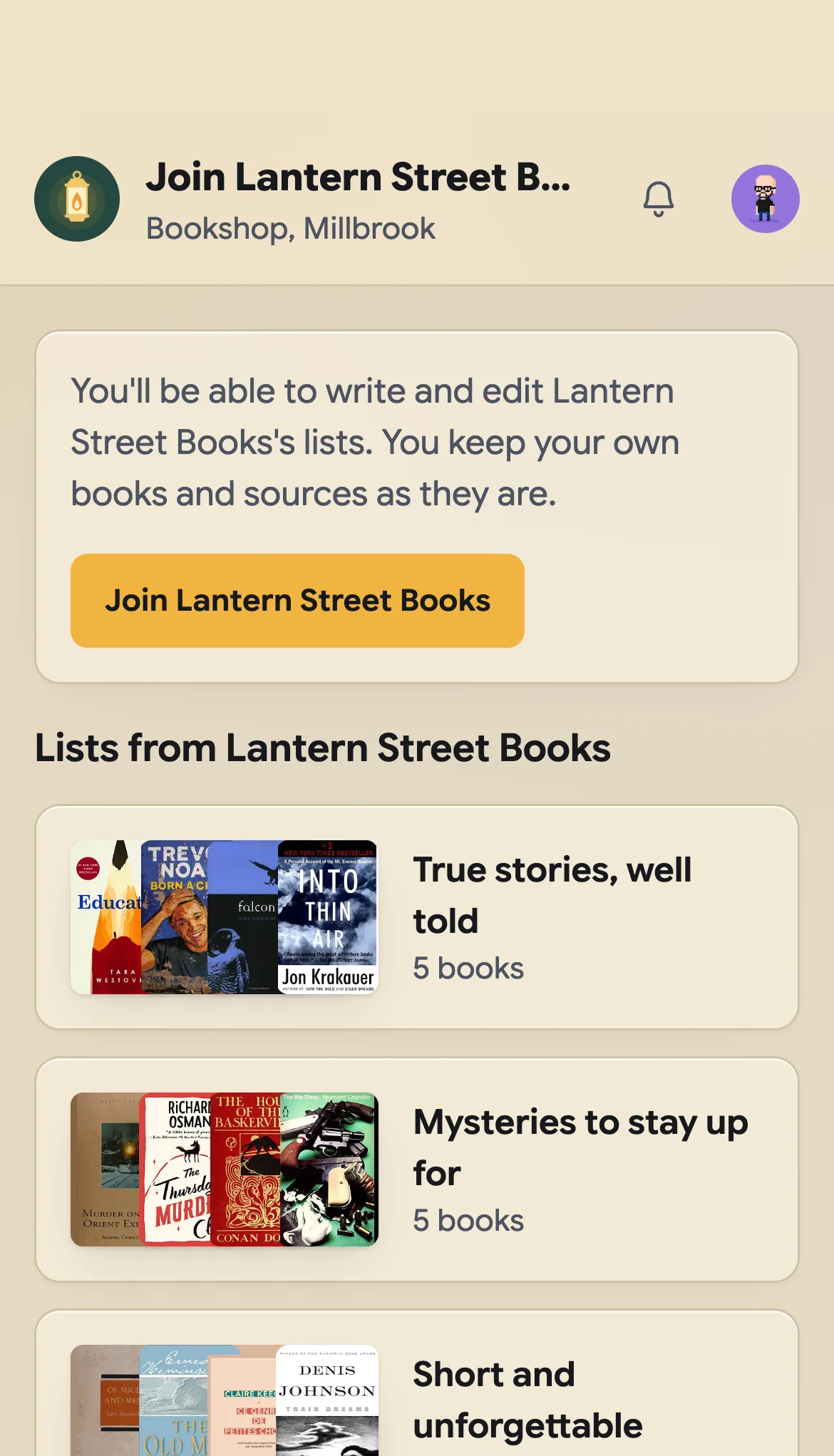
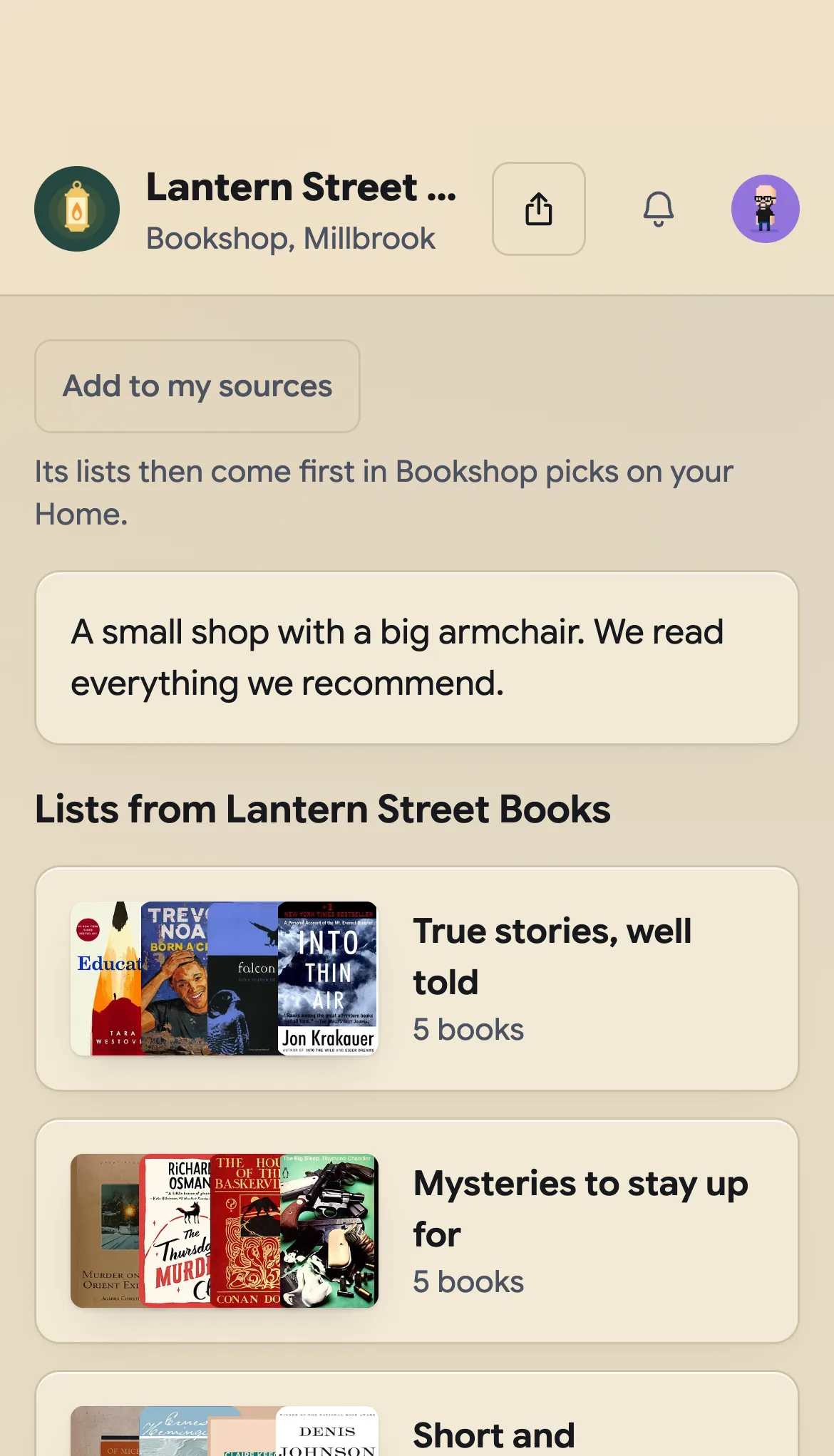
A reader can add your shop to their sources from its page. Saving a book from one of your lists does it too. Their Home then shows your lists before anyone else’s.
Every book a reader saves from your list names your shop as where it came from, and shows your bookseller’s note.
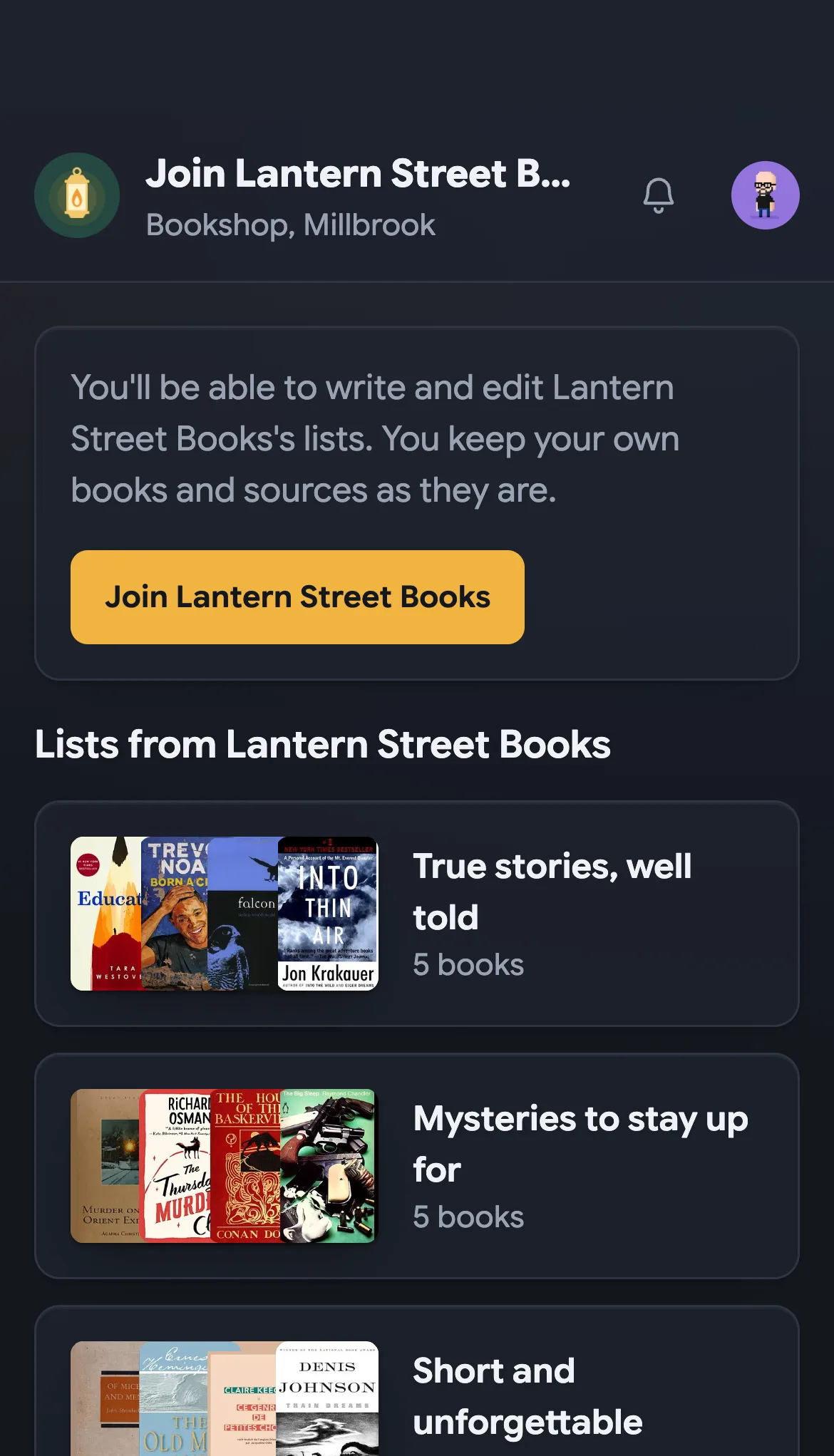
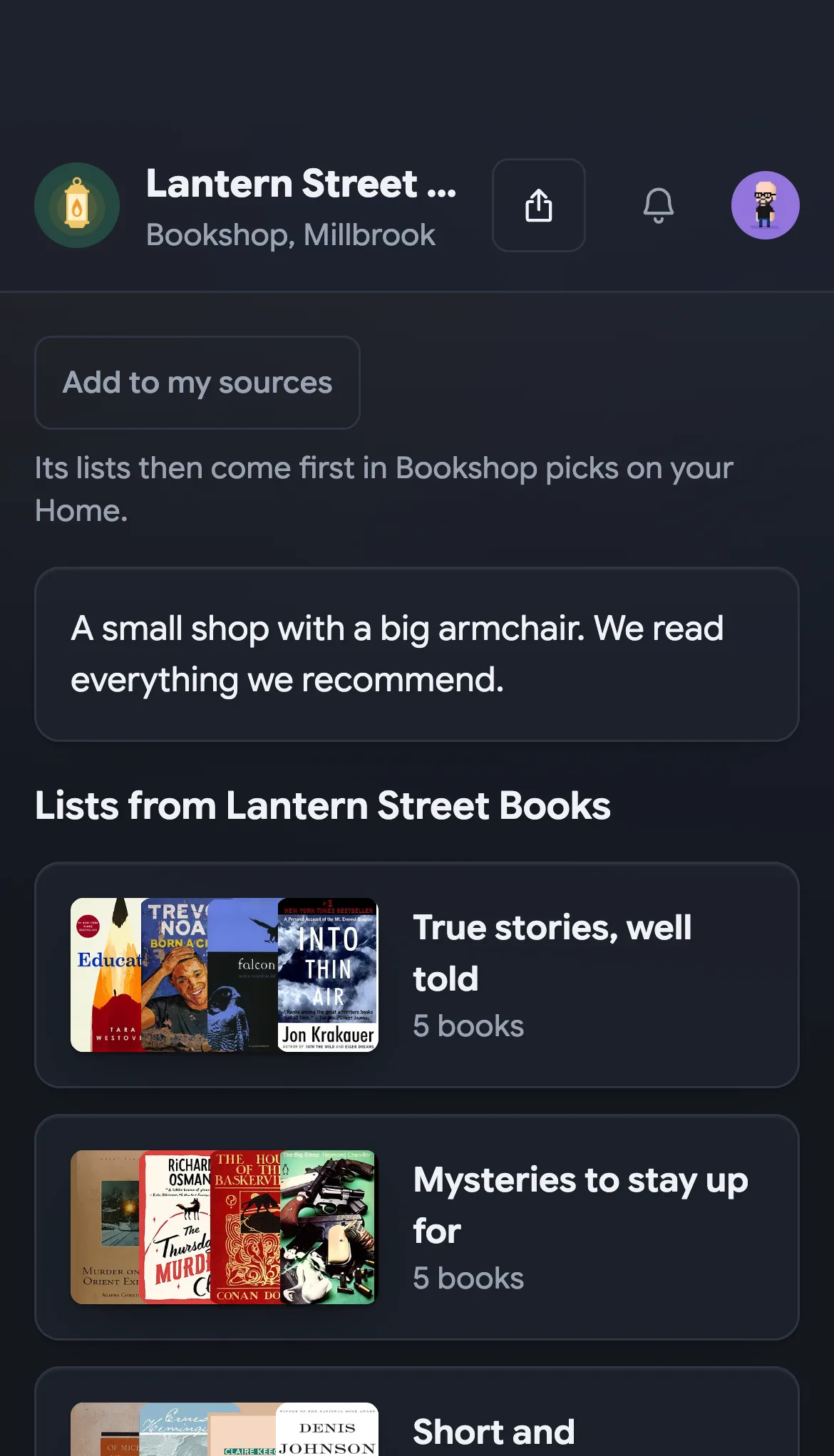
A phone showing a bookshop’s page on BookPocket, with a button to add the shop to your sources and the shop’s lists below.
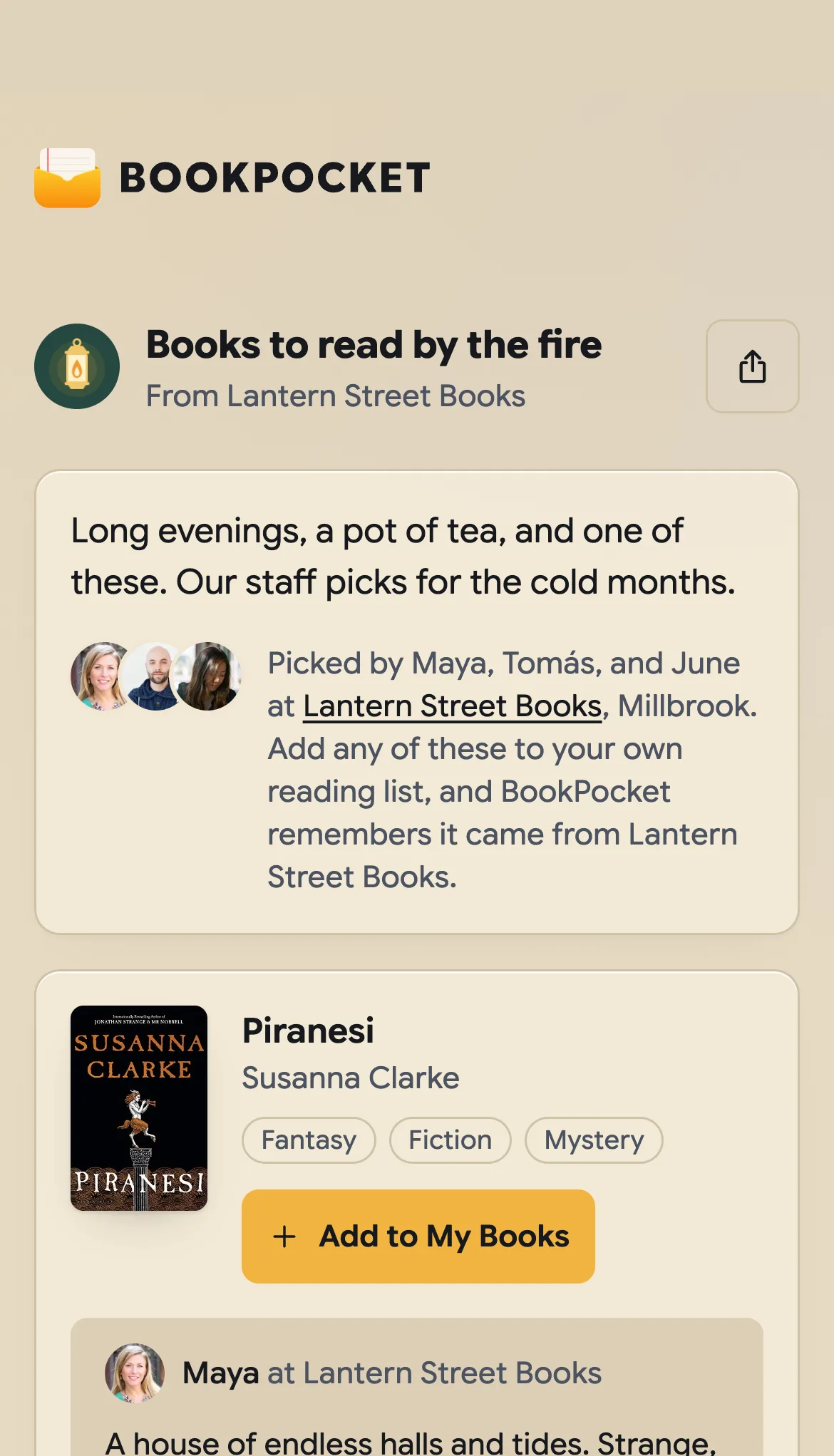
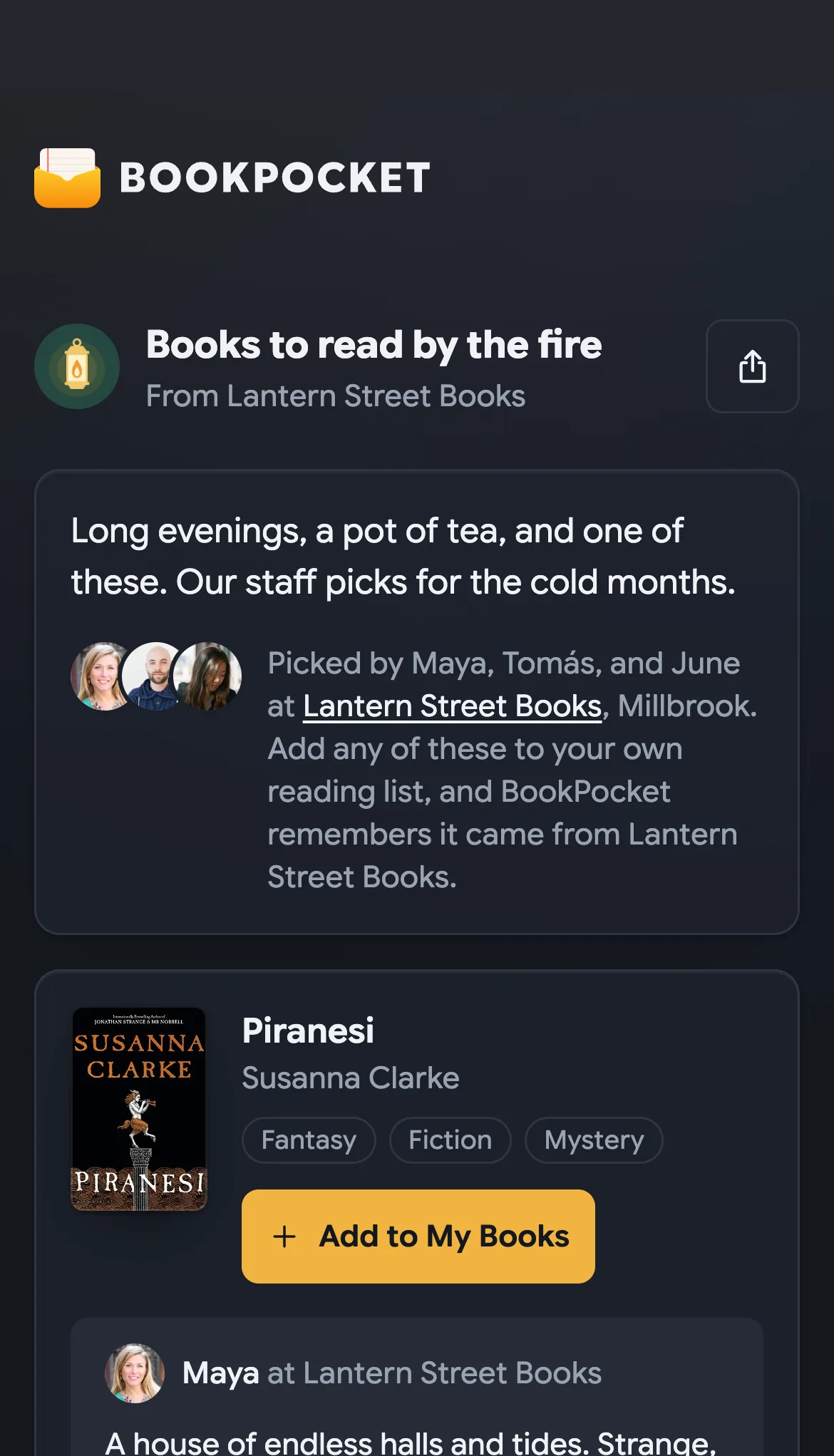
A sample list from Lantern Street Books, a made-up shop. Each book carries the name and face of the bookseller who picked it. It opens on any phone, with no app and no account.
Books to read by the fire
From Lantern Street Books
Piranesi
Susanna Clarke
Maya at Lantern Street Books
A house of endless halls and tides. Strange, gentle, and over too soon.
The Secret History
Donna Tartt
Tomás at Lantern Street Books
Our most borrowed staff copy. Start it on a Friday, you won't stop.
Rebecca
Daphne du Maurier
June at Lantern Street Books
The best opening line in the shop, and it only gets better from there.
A poster for the window or the till, and a shelf talker for each book, six to a page. Print them on your own printer, or save them as a PDF for a print shop. The poster's QR code opens the list, and each shelf talker's opens its own book.
Lantern Street Books
Millbrook
Staff picks
Long evenings, a pot of tea, and one of these. Our staff picks for the cold months.
Picked by Maya, Tomás, and June
Piranesi
The Secret History
Rebecca
A Gentleman in Moscow
The Remains of the Day
Klara and the Sun
Scan to see the whole list
and save any book to your own reading list.
web.bookpocket.app/lists/BgZDGvzTrc
Every book you save remembers who recommended it.
Maya at Lantern Street Books recommends
Susanna Clarke
A house of endless halls and tides. Strange, gentle, and over too soon.
Scan to save this book to your own reading list.
web.bookpocket.app/lists/BgZDGvzTrc
Tomás at Lantern Street Books recommends
Donna Tartt
Our most borrowed staff copy. Start it on a Friday, you won't stop.
Scan to save this book to your own reading list.
web.bookpocket.app/lists/BgZDGvzTrc
June at Lantern Street Books recommends
Daphne du Maurier
The best opening line in the shop, and it only gets better from there.
Scan to save this book to your own reading list.
web.bookpocket.app/lists/BgZDGvzTrc